
AI Companion Vibrator Control Through Supported Connections
AI companion vibrator control requires a supported connection. Check compatibility, setup steps, privacy, consent, and ways to stop control.

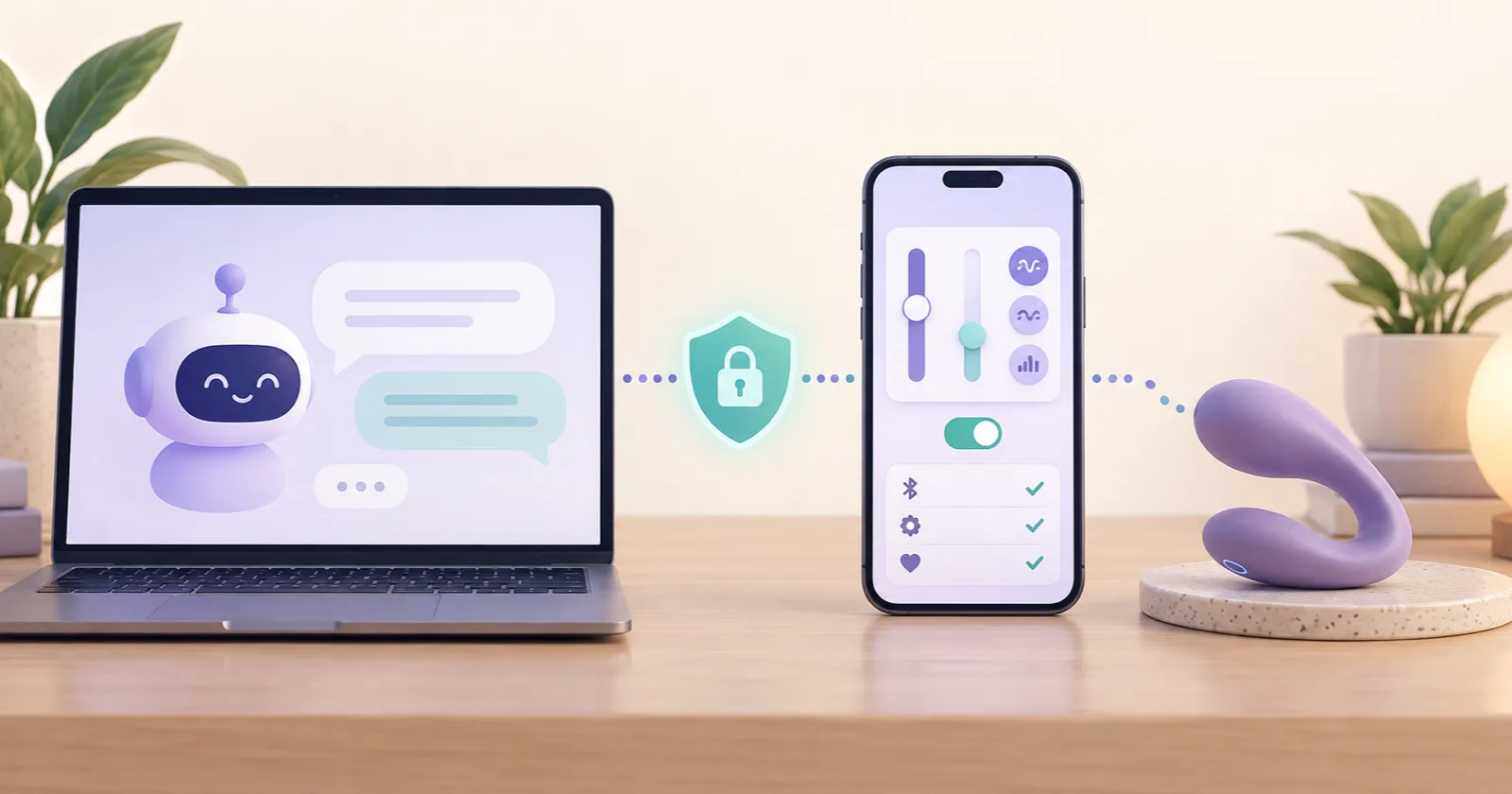
An adult can explore AI companion vibrator control when the device, its control software, the AI interface, and the required permissions support the connection. App control alone doesn’t establish AI compatibility. Before issuing commands, the companion needs a supported link to the device’s control software.
ChatGPT and Claude support some external tools and actions, but the supplied information doesn’t establish a ready-made vibrator integration for either service. Documented device features and possible custom integrations are separate matters. An available API alone doesn’t confirm that a particular companion can control a particular toy.
Any connection requires adult use and explicit consent, with access limited to the agreed controls. The person using the device must have a stop control they can reach independently.
Check device and AI companion compatibility first
Compatibility between an AI companion and a vibrator depends on the exact device model and the intended control interface. Gush’s documented options each need checking before setup.
- Match the device model to the relevant SDK. The Lovense Android SDK lists Gush and Gush2, while the iOS SDK supported-device command table includes Gush. These entries confirm device support within each SDK. They don’t confirm a working connection to a particular AI companion.
- Check which control software the API requires. Lovense’s Basic API documents HTTPS control through Lovense Connect under Cam Solutions. It doesn’t establish Gush-specific or AI-companion compatibility.
- Check the hardware and operating system for pairing through Lovense Remote. Gush’s documented requirements are listed below. These platform requirements are separate from any Lovense Connect app-version requirements for a later integration.
| Platform | iPhone/iPad/iPod Touch | Android | Mac | Windows PC |
|---|---|---|---|---|
| Requirements | iOS 14.2+ | Android 5.0+ with Bluetooth 4.0 | Bluetooth 4.0 | Lovense USB Bluetooth Adapter |
- Check how a companion’s local app would reach the control software. It needs a supported tool interface and authorized access. Running both applications on the same computer doesn’t connect the companion to the device controls.
How to pair an app-controlled vibrator with Lovense Remote
Pairing Gush with Lovense Remote connects the app-controlled vibrator to the app. It doesn’t authorize an AI companion to control the device.
- Turn Gush on. A flashing light indicates pairing readiness. On Windows, plug in the Lovense USB Bluetooth Adapter before pairing.
- Open the pairing icon in Lovense Remote.
- Tap + to start discovering the device.
- After discovery, select Done. A steady light indicates connection. Previously paired toys should reconnect automatically.
What Lovense Gush supports before AI integration
Through Lovense Remote, Gush’s first three intensity levels can be adjusted, and preset patterns can be created, with storage for up to 10 user-created patterns. These are app features. AI access to those controls requires a separately verified connection for a Lovense Gush AI integration.
Gush takes approximately 65 minutes to charge. Its guide says to turn the device off first and avoid using it while charging. It also recommends water-based lubricant. These handling instructions apply whether control comes from the app or a separately verified integration.
Connect an AI companion through an authorized integration
Before an authorized connection proceeds, the proposed device and AI interface must support the intended integration. The developer procedure below authorizes device access. The AI companion still needs a separate, supported tool connection to use those controls.
- Configure application information, callback URL, and heartbeat interval in the developer dashboard’s Standard API tab. The minimum Lovense Connect versions are iOS 2.6.4, Android 2.7.7, and PC 1.5.4.
- Install Lovense Connect on the supported mobile device.
- Pair the toy in Lovense Connect. Pairing in Lovense Remote alone doesn’t establish the developer connection.
- Generate a QR code using
POST https://api.lovense-api.com/api/lan/getQrCode, supplyingtoken,uid, andv. The optionalutokenparameter supports user verification. After generation, the adult scans the QR code to authorize the connection.
Authorization doesn’t automatically give ChatGPT, Claude, or another companion access. Connecting an AI companion to a vibrator requires integration software that makes the authorized controls available through an interface the companion supports. This procedure doesn’t establish a ready-made connection for those services or confirm that Lovense Gush supports the proposed integration.
Set device, intensity, and duration limits in the Lovense API
Each command sent through custom Lovense API control software should be checked against the adult’s agreed device, intensity, and duration limits before it’s forwarded. The integration software must enforce those checks so a companion’s request cannot bypass them.
Developer tokens must stay server-side and never enter client JavaScript. Connection callbacks contain sensitive connection data, including user identifiers, connection domain and ports, platform, app version, and toy identifiers and status.
| Control detail | Local control | Remote control |
|---|---|---|
| Endpoint | POST https://{domain}:{httpsPort}/command | https://api.lovense-api.com/api/lan/v2/command |
| Connection requirements | Control runs on the same LAN or computer. | Requests require token and uid. |
| Documented platform notes | The PC/Mac address is 127-0-0-1.lovense.club:30010. | PC support is marked as forthcoming. |
Neither documented connection route confirms support for a particular device or AI companion.
Several command settings affect how custom software should enforce limits:
- The API documents
Vibrate:0 - 20,Stop,Pattern, andPresetwithapiVer=1. The integration should allow only verified commands within the agreed intensity limit. timeSec=0runs indefinitely. Other durations must exceed one second. A finite duration limit should be enforced before a command is forwarded.- Omitting
toytargets all toys. The integration should require an explicitly authorized target for each control request. stopPreviousdefaults to1. Custom software should set this parameter deliberately when handling successive commands.
The API’s Vibrate:0 - 20 range doesn’t establish how those values map to Gush’s app controls. Device support and the permitted intensity range need verification for the specific setup.
Can an AI girlfriend control a vibrator through ChatGPT?
For an AI girlfriend to control a vibrator through ChatGPT, the required integration must be available in the interface being used. ChatGPT app availability depends on the app, plan, region, workspace, role, model, and interface.
The documented app setup follows these steps:
- Open Settings > Plugins.
- Install the app where required.
- Connect the account.
- Review the provider permissions.
Installation doesn’t bypass authorization or workspace approval.
Depending on availability and eligibility, permission options may include:
- Always ask
- Allow read actions
- Allow low-risk actions
- Allow all actions, where eligible
These settings control when confirmation is requested. They don’t grant additional access. Sensitive actions may still require approval or be denied.
The supplied OpenAI documentation identifies no vibrator-control app or companion integration. A proposed setup requires a verified supported action. Disconnecting the app or an administrator disabling it removes access.
Can an AI boyfriend use Claude tools to control a vibrator?
Claude’s support for external tools and APIs offers a possible way for an AI boyfriend to control a vibrator through custom software. Tool use supports custom definitions with strict schema matching, which governs the structure of tool requests. This capability doesn’t establish a documented vibrator integration.
Claude connectors retrieve information and take actions within connected-service permissions. Shared credentials authorize access according to their permissions, so the credentials supplied to an integration determine what it can access.
Local MCP integrations and remote connectors provide different connection routes. Custom integrations with public URLs can be remote connectors, but availability depends on the integration type and the Claude interface being used. A companion running in a local app doesn’t automatically gain access to device controls.
Custom control software must validate commands against approved device targets and limits before forwarding them. Even a correctly structured tool request needs those checks. Schema matching alone doesn’t establish authorization to operate a device.
The Lovense API documents these failure conditions.
- Unsupported commands
- Invalid tokens
- Missing API permission
- Offline apps
Protect privacy and obtain consent for AI vibrator control
Consent from the adult must explicitly cover the selected device, permitted actions, and session boundaries. Technical authorization establishes access, but it doesn’t establish continuing consent to physical control. Privacy requires a separate review of what each service receives and how it handles that information.

- ChatGPT apps may receive relevant conversation context, memories, IP address, device/browser information, language, region, and approximate location. Shared information follows the app’s terms and privacy policy. ChatGPT may also remember app information and use it in web searches.
- Memory, retention, personalization, and model-improvement controls are separate settings. Business/Enterprise/Edu app information is excluded from training by default, while Free/Plus/Go/Pro information may be used when Improve the model for everyone is enabled. App calls are logged in OpenAI’s Compliance Logs platform.
- Lovense’s EU statement says start/stop/mode/intensity commands execute immediately and are not stored. That statement doesn’t establish the retention practices of an AI service or custom integration. Those require their own privacy checks.
- Supported toys can use a six-digit security PIN managed in Lovense Remote to protect connection authorization against hijacking within Bluetooth range. Gush-specific PIN support needs verification before this protection can be claimed for that device.
How to stop remote vibrator control and revoke access
Stopping device activity and removing access require separate actions. A setup must provide a way to do both, with a stop control the adult using the device can reach independently.
- Custom software should expose an accessible stop control and verify that it works before enabling companion control. The Basic API documents
Stop, but Gush’s guide doesn’t document a dedicated app emergency-stop control. - Gush’s physical ON/OFF button requires a firm 3 - 5-second hold. The device produces one second of vibration at startup. A physical stopping method must account for that button behavior and keep the button within reach.
- Ending a single-use Lovense control link deactivates it. Ending an unlimited link stops the session but reactivates the link after 30 seconds. Deletion permanently removes it.
- Removing an integration’s access requires a separate action from stopping the device. A stopped session doesn’t prove that the companion’s access has been revoked.
AI companion control requires a verified connection and enforceable limits. The adult using the device must be able to stop the session and revoke access without depending on the companion’s response.